Experiment / Google Antigravity
Gravity.
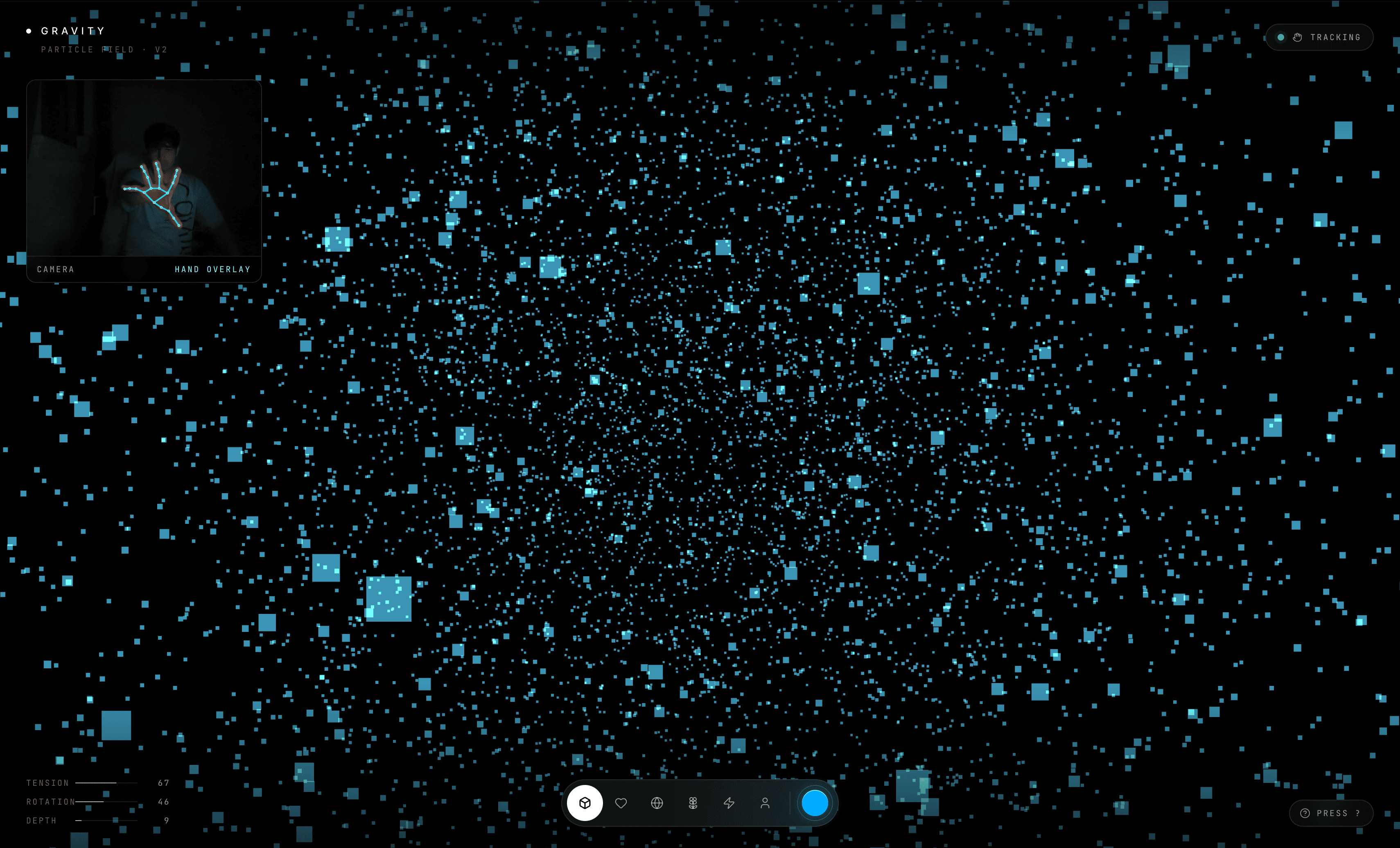
Gravity is a pure frontend hand-tracking particle field I built as an experiment in Google Antigravity. I did not start with a deep graphics background. I used the tool to make something playable: the browser watches my hand, React stores the signal, and Three.js turns those numbers into a glowing field of particles.
Open live app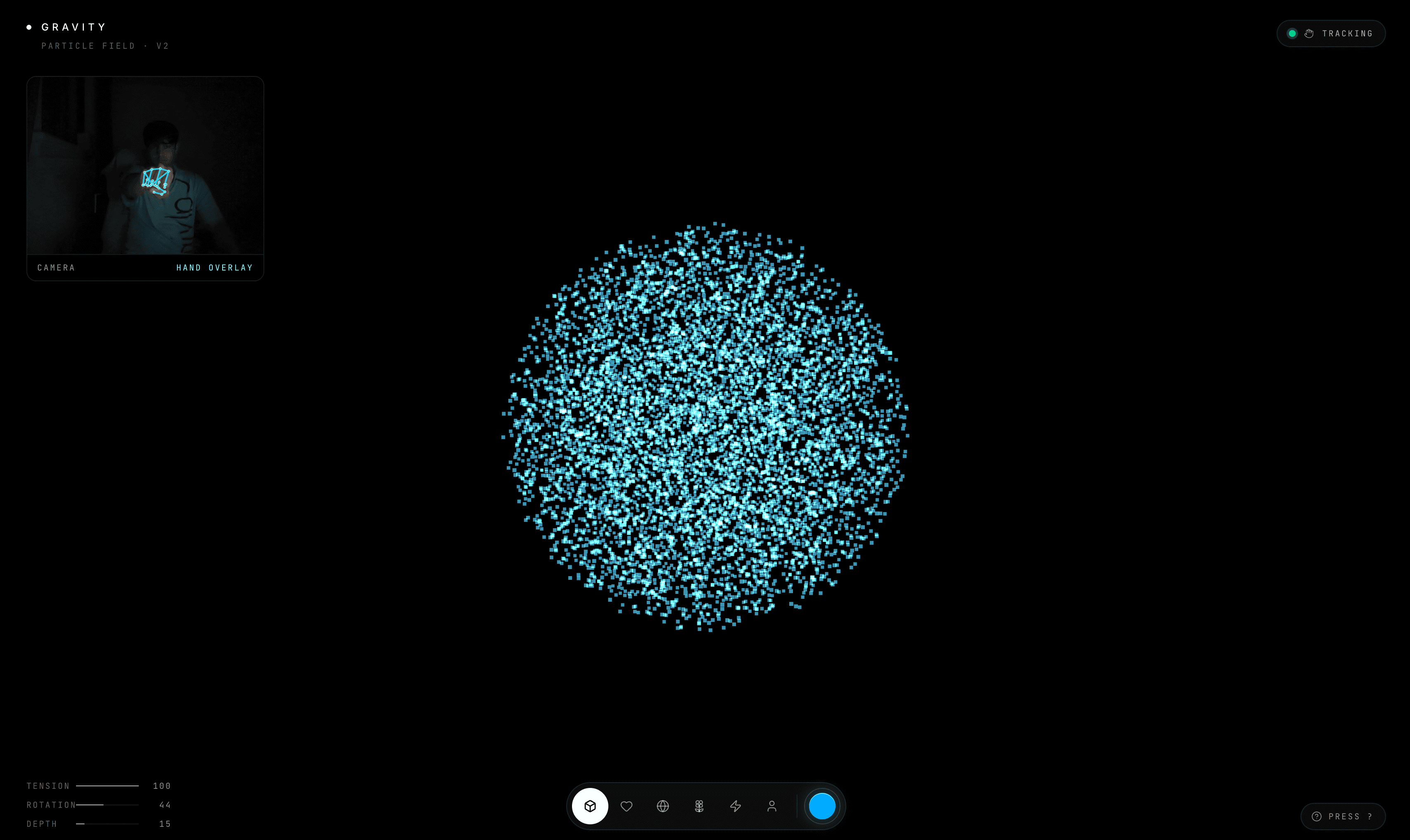
Think of the project like a small interactive stage show. The browser is the stage, the camera is the eyes, MediaPipe is the hand detector, React is the control brain, and Three.js draws the glowing particles. When the hand opens, closes, rotates, or moves closer to the camera, the field responds immediately.
Architecture
Camera input becomes particle motion.
The app has no backend. The browser runs the whole loop: webcam frames go into MediaPipe, the result becomes React state, and the scene reads that state to animate the 3D particles.
Browser opens app
Vercel serves the frontend over HTTPS.
React app
The control brain that stores shape, color, and hand state.
Control layer
PremiumUI.jsx
- shape buttons
- color picker
- tracking status
Camera layer
HandTracker.jsx
- hidden webcam
- MediaPipe Hands
- landmark math
Render layer
Scene.jsx
- shape generators
- React Three Fiber
- particle field
MediaPipe output
tension, rotation, distance, detected
Particle response
The field contracts, opens up, rotates, and switches form.
Main Pieces
The parts that make it work
main.jsxstarts the React app and mounts it into the HTML page.
App.jsxacts as the central controller for currentShape, color, handTension, handRotation, handDistance, and handDetected.
HandTracker.jsxopens the camera, hides the video element, sends frames to MediaPipe, and turns hand landmarks into usable numbers.
Scene.jsxdraws the 3D particle field with Three.js through React Three Fiber and animates it from the hand values.
shapes.jsgenerates raw particle positions for forms like sphere, heart, saturn, flower, fireworks, and buddha.
PremiumUI.jsxrenders the visible control layer: shape buttons, color picker, help panel, and tracking status.
Tension
open hand vs closed fist
Rotation
angle of the hand
Depth
distance from camera
Detected
whether a hand is visible
Simple Flow
From permission to particles
- 01
You open the site.
- 02
The browser asks for camera permission.
- 03
HandTracker sends camera frames to MediaPipe.
- 04
MediaPipe detects hand points.
- 05
The app turns those points into tension, rotation, distance, and detected state.
- 06
React stores those values.
- 07
Scene uses those numbers to move and morph the particles.
- 08
PremiumUI shows whether tracking is active.
Vercel
Deployed as a static frontend
There is no backend, database, or login system. Vercel builds the project with npm run build and serves the generated dist folder. The camera works in production because Vercel serves the app over HTTPS, which browsers require for webcam access.